


Related articles


The VeChain Foundation has orchestrated some tremendously exciting developments to start 2023. Among those is the launch of a fully decentralized crypto wallet that is the perfect starting point for many in the digital asset sector. Now, let’s discuss how to download the VeChain VeWorld Wallet.
It’s important to know that the VeChain VeWorld Wallet is a fully decentralized self-custody wallet from the VeChain ecosystem. The wallet allows its users to fulfill a host of crypto-related actions while utilizing a Ledger hardware device. Moreover, YouTuber VetMaik has brought forth a comprehensive video guide you can observe below
Download the Chrome Extension
The first step in downloading the VeChain VeWorld Wallet is through the downloading f a specified Google Chrome extension. Firstly, users will have to open Google Chrome and visit VeWorld.net, the VeChain dedicated home to access the VeWorld wallet.
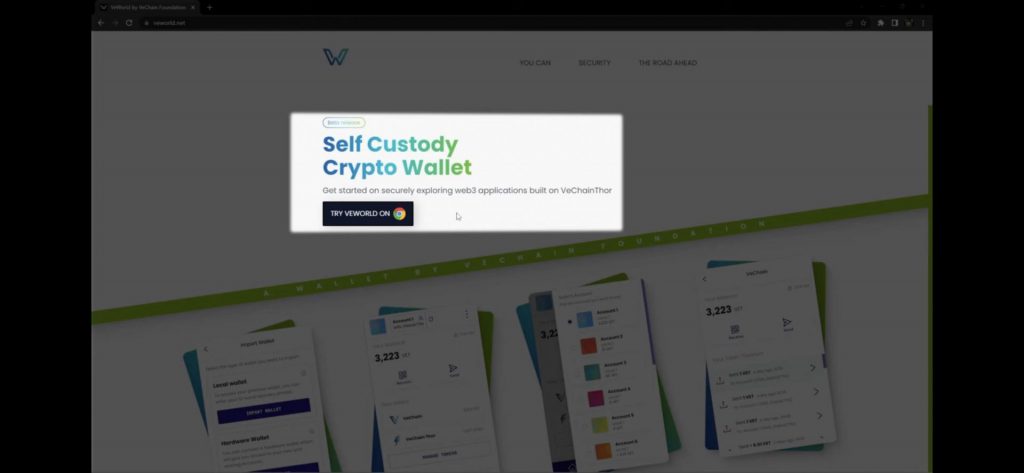
From there, you will find a button urging users to Try VeWorld on Chrome. Subsequently, users will be redirected to the Google store where they will be able to access the necessary extension. Then, users will be able to access the wallet by clicking the VeWorld icon on their google access bar.
Create a New Wallet
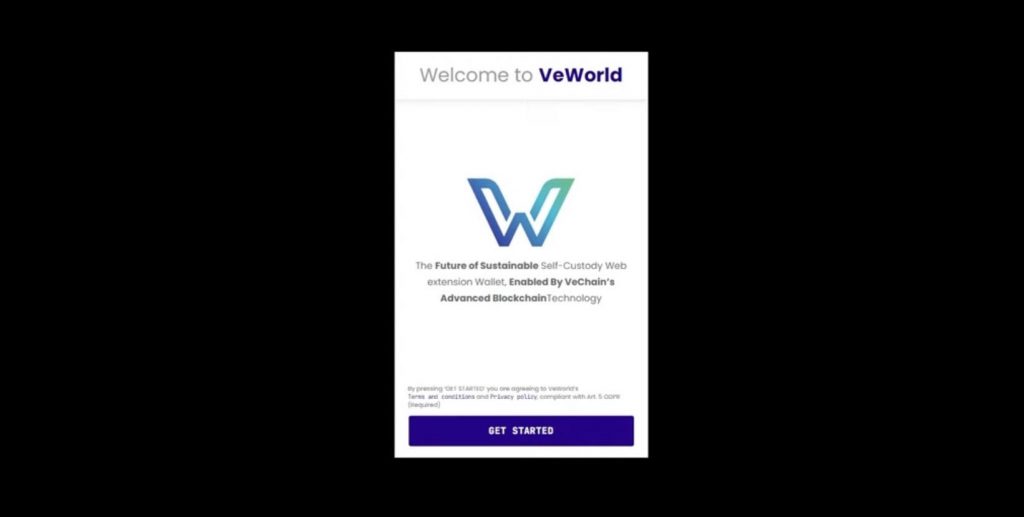
Secondly, users will set up the wallet in three different ways, requiring three different processes. They will create a new wallet, import any existing wallets if necessary, and use their Ledger.
To create a new Wallet, users will access the set-up wizard after clicking the VeWorld icon. There, they will click the Get Started button and click through the necessary information until they are able to create a password. From there, users will be asked if they desire to create a new wallet or if they already have an existing wallet.

From that screen, users will again be asked to read necessary information through the set-up wizard. Subsequently, they will reach the portion of the wallet set up where they will be asked to input a recovery phrase. This consists of twelve words that you will have to write down to ensure you will remember them. It is important to NOT write the words online but to write them on an actual piece of paper.
Thereafter, the user will select the proceed button and be directed to a screen to input words from the recovery phase. There, the user will be able to once again click through information worth reading. Finally, they will have access to their newly created VeWorld Wallet.
Import Existing Wallet

If you are not creating a new wallet, users will have the option to select the Import Wallet feature at the beginning of the set-up wizard. This is a process made very easy by the VeChain Chrome extension. After selecting the option to import a wallet, users will then be able to select whether to import a local or hardware wallet.
For importing a local wallet, you will input the recovery phrase words given when the new wallet was created. If the twelve words were correct, the wallet will be imported and acesible through the VeChain VeWorld interface.
How to User Your Ledger

For the use of a hardware wallet, you would be redirected to a screen asking to important your hardware wallet. There you would connect your Ledger device to your computer and unlock your ledger with your pin code. Then, open the VeChain app, and select proceed on the set-up wizard.
From there, the VeWorld extension will ask you to connect the device, reminding you to ensure that you have unlocked your Ledger and that the VET app is open. When it is connected, you can hit the continue button and then select the accounts you desire to import. Thereafter, you will be directed to the homepage when the import process is successful.
VeWorld Apps
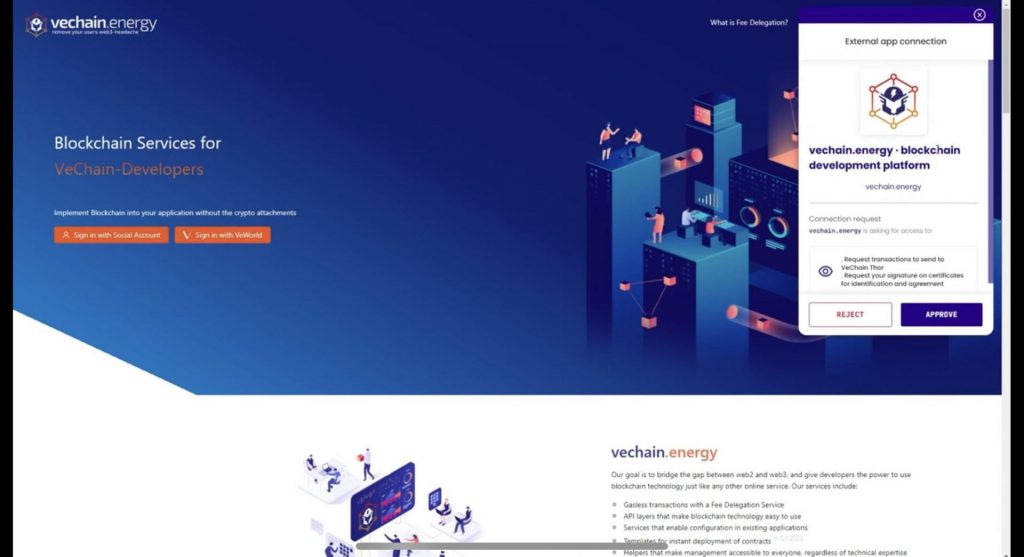
The coolest part of what VeChain is doing is the ease of connection between the VeWorld wallet and various dApps. For example, an application like VeChain.energy is usable through a button available on the application.
Users will just have to click the sign in with VeWorld button and then approve the action in a subsequent window to utilize the wallet and the app. The development of the VeChain VeWorld wallet and how it is used seamlessly show just how important the VeChain ecosystem development is.
Credit: Source link